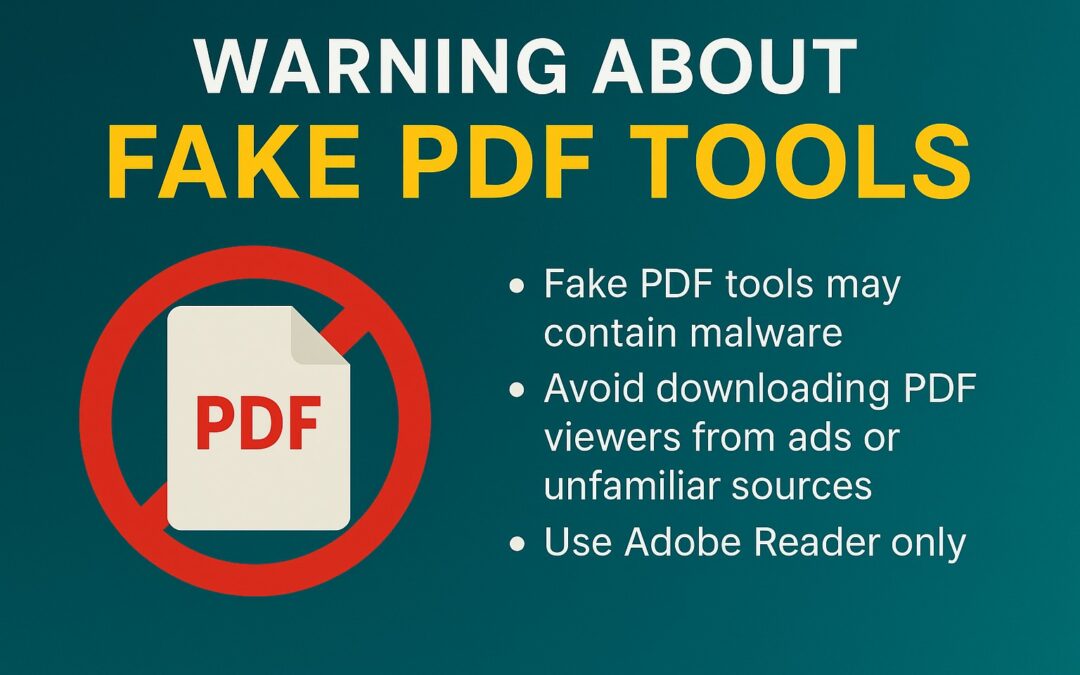
Our team wants to make you MoreAware of a growing trend: malware attacks targeting PDF tools.
What’s happening?:
On August 27, 2025, cybersecurity researchers at Truesec uncovered a malvertising campaign abusing Google Ads to promote fraudulent websites. These sites lured victims into downloading a fake PDF utility named “AppSuite PDF Editor,” which delivered an information-stealing malware dubbed TamperedChef.
TamperedChef is designed to harvest sensitive data such as browser cookies and stored credentials. It can remain dormant for up to 56 days before activating. This is a tactic to bypass detection and align with the typical 60-day lifecycle of Google Ads campaigns.
Other malicious PDF tools observed include PDFSparkWare, SparkonSoft, and OneBrowser.
Why this matters:
Malware disguised as productivity tools is becoming more sophisticated. Attackers exploit trust in common file formats like PDFs to gain access to sensitive data. Staying vigilant is the best defense. We’re not here to alarm you; our goal is to keep you informed and proactive about this emerging threat.
Immediate actions for users:
-
Verify software sources – Download only from official vendor sites or reputable app stores.
-
Check digital signatures – Ensure certificates are issued to legitimate publishers.
-
Audit browser-stored credentials – Remove unnecessary saved logins.
-
Enable multi-factor authentication (MFA) – Mitigate the impact of stolen credentials.
-
Use dedicated password managers – Replace browser-stored passwords with secure tools.
-
Restrict unverified downloads – Enforce policies against installing free or untrusted software.
-
Ask about installing a verified ad blocker in your browser.
Our recommendation:
-
Use Adobe Reader only as your PDF viewer. We install this on all new workstations during onboarding. If your team is missing Adobe Reader, send us a helpdesk ticket and we’ll resolve it quickly.
-
If you are needing a PDF editor, please reach out to your supervisor and consult with us to get you the secure software you need.
-
Avoid downloading PDF tools from ads or unfamiliar sources. Even if they appear in Google Ads, they may be malicious.
Always reach out to us if you have questions or concerns. And please share this with the rest of your team! We’re here to help keep your network secure. Thank you for partnering with us to protect your systems!
Related Articles
MSP Titans of the Industry Recognizes More Power Technology Group as 2025 Awards Finalist
[Longview, Washington] - More Power Technology Group has been named a finalist in the 2025 MSP Titans of the Industry Awards, a prestigious recognition celebrating excellence and leadership in the Managed Service Provider Industry. This honor places More Power...
Windows 10 End of Life: What Business Leaders Need to Know (And Do Next)
If your business relies on Windows 10, October 14, 2025, is a date you cannot afford to overlook. On this day, Microsoft will officially stop supporting Windows 10. This may look like a routine update, but it brings serious challenges and risks for your business....
Disaster Recovery Planning
What Does Your Disaster Recovery Plan Look Like? "Let's just get the equipment up and running, make a list of what we still need, and get to the rest later." Did backup solutions fall into the "later" category? The time when many businesses decide they need to...